
Search Tennessee White Pages
Tennessee White Pages searches work best when they begin with the office that owns the file, then widen only when the local record points that way. A Tennessee White Pages lookup may start with a city clerk, county court clerk, register of deeds, sheriff, assessor, or state archive depending on what you are trying to confirm. This guide keeps those paths organized. It focuses on official Tennessee White Pages sources, public record limits, and the statewide tools that help when a county or city page only gives part of the answer.
Tennessee White Pages Quick Facts
Tennessee White Pages Search Paths
A Tennessee White Pages search is not one single database. It is a route through several public systems. Some searches begin at the city level because the file is recent and local. Others begin in county offices because the name is tied to a deed, a court file, a property record, a clerk record, or a jail record. State resources matter when the local office is unclear, when the county page is thin, or when the record is older than the county search window. The cleanest Tennessee White Pages searches move from city to county to state, not the other way around.
That order matters because Tennessee is county-based. Each county keeps its own records. The same kind of name search can work differently in Davidson County, Shelby County, Knox County, Hamilton County, Rutherford County, or Sullivan County. The larger cities add another layer because they often keep their own police, municipal court, and open records pages. Tennessee White Pages research gets much easier once you separate those systems instead of treating the whole state like one flat directory.
The official Tennessee court and public-record tools help map that structure. The Tennessee Court Information portal at tncrtinfo.com helps identify the right county court path. The Tennessee State Courts site at tncourts.gov explains the wider court structure and appellate history. The Office of Open Records Counsel at tn.gov/attorneygeneral/opinions/open-records-counsel.html helps define what a public records request can and cannot do. Those three tools are strong Tennessee White Pages anchors because they tell you where to search before you start asking the wrong office.
Tennessee White Pages Public Records Requests
Tennessee White Pages requests work best when they are tight. Under the Tennessee Public Records Act, agencies respond to open-records requests for existing public records. They do not have to create new summaries or rebuild data into a brand-new report. That is one of the most important rules in statewide White Pages research. If the file exists with a city clerk, county clerk, police records office, sheriff, or court clerk, ask for that exact file. If the office is still unclear, use the city or county page to narrow the request first.
The Office of Open Records Counsel explains the Tennessee citizen requirement, the seven-business-day response timeline, and the general expectation that the request must point to a record already in hand. That is why short requests usually work better than broad ones. A good Tennessee White Pages request uses the person name, location, date range, and record type. A weak request asks an office to search everything connected to one name. The second approach creates delay and often ends with a narrowed request anyway.
The Office of Open Records Counsel at tn.gov/attorneygeneral/opinions/open-records-counsel.html explains the statewide rules behind a Tennessee White Pages request.
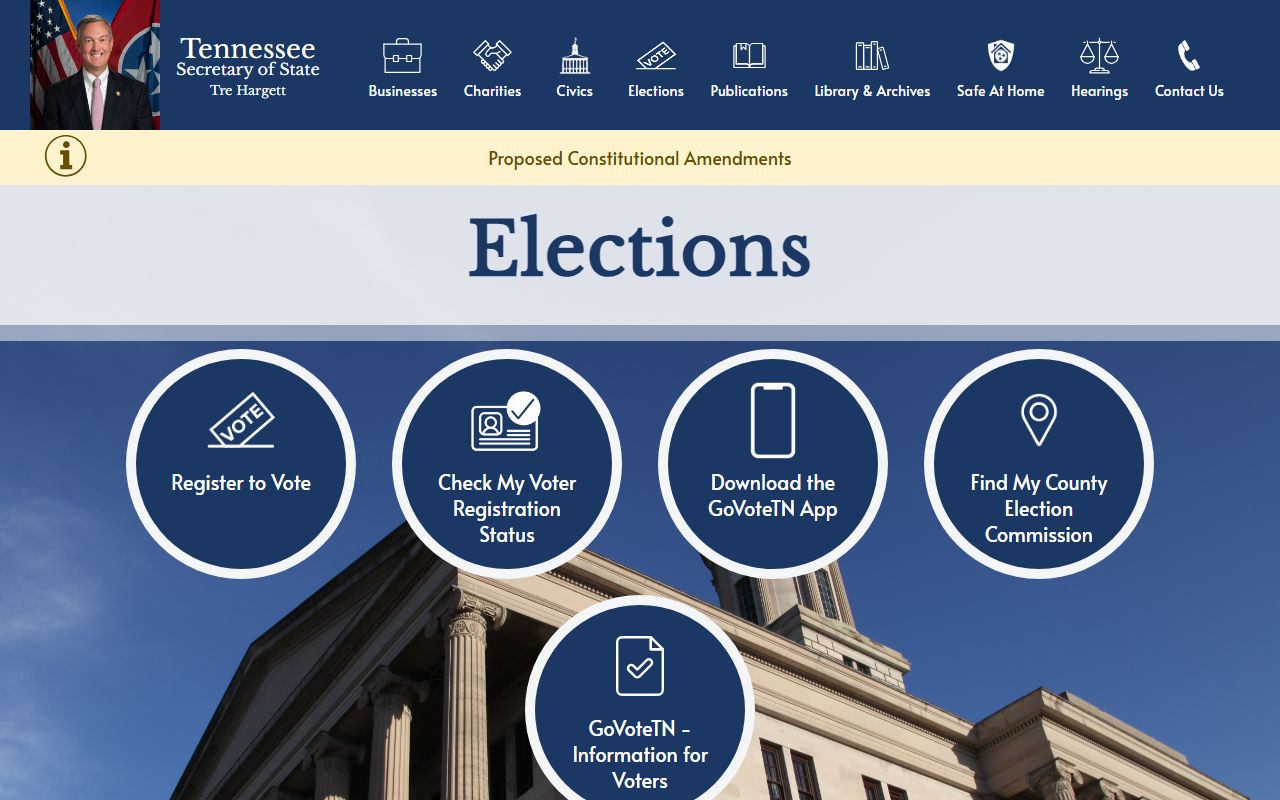
Use that statewide guidance after a local office identifies the right file type and before a Tennessee White Pages request gets broader than the record system can support.
Tennessee White Pages Courts and Clerks
Courts are a major part of Tennessee White Pages research because names often become searchable only after they enter a clerk system, docket, or filed case. The Tennessee Court Information portal at tncrtinfo.com helps direct searches into circuit courts, general sessions courts, and clerk and master systems. The Tennessee State Courts site at tncourts.gov helps separate local filings from appellate case history. Together, those tools help a Tennessee White Pages search move toward the correct court office before you call or request copies.
County court systems still own the local record. That is why the county pages on this site matter. Davidson, Shelby, Knox, Hamilton, Montgomery, Rutherford, Williamson, Sumner, Wilson, and Sullivan Counties all have different local court paths, even when the statewide portal points to the same court type. A Tennessee White Pages search often begins with a party name and a county, then ends with a county clerk office and a case number. The statewide tool helps narrow the path. The county tool usually holds the working file.
The Tennessee State Courts site at tncourts.gov is the strongest statewide court fallback for Tennessee White Pages searches.
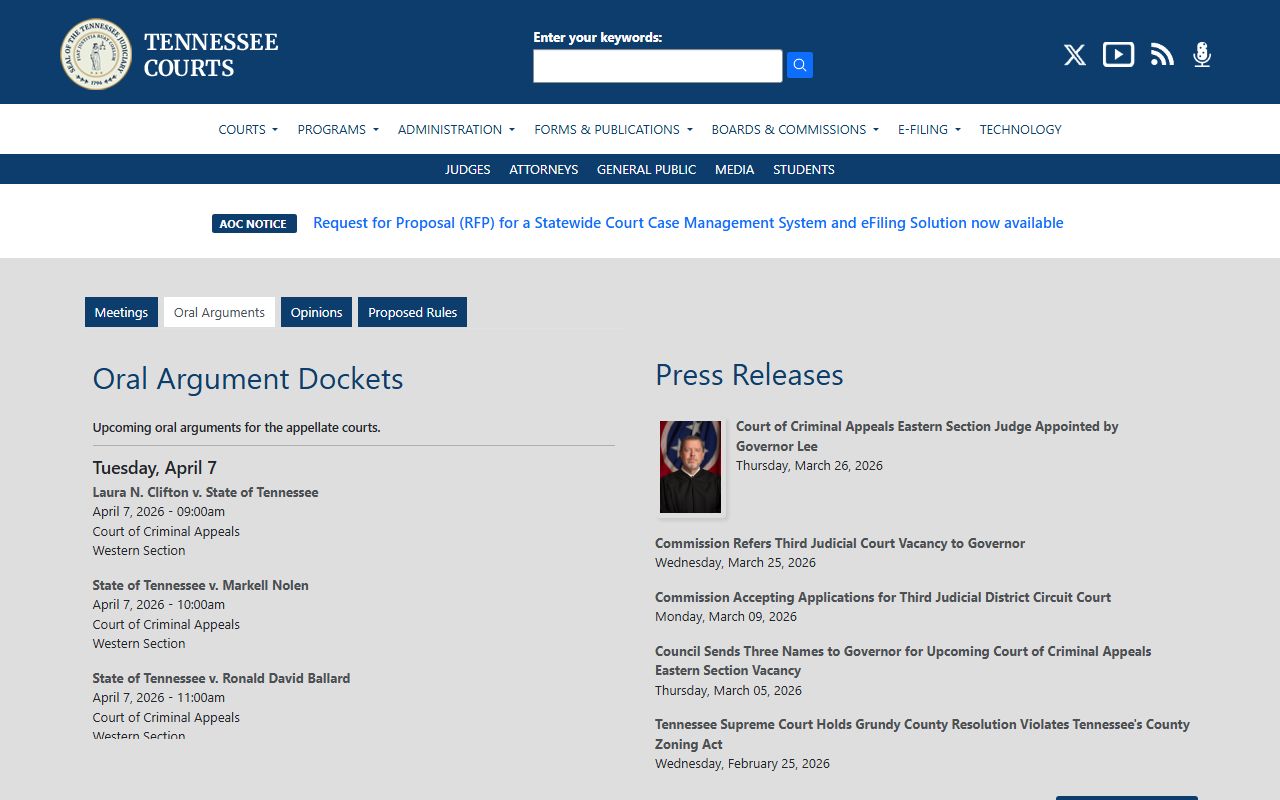
Use it when a Tennessee White Pages search needs to separate county court files from statewide court history or archived opinions.
Tennessee White Pages Property Records
Property records are one of the clearest White Pages bridges because they connect names, addresses, parcels, and recorded land documents. Tennessee keeps those records at the county level through assessors and registers of deeds. The Tennessee Comptroller real estate assessment data page at comptroller.tn.gov/eda/RealEstateAssessmentData/ helps point a Tennessee White Pages search toward the local property system. That matters when you know an address but need the owner, or when you know the owner and need the parcel and document trail.
Registers of deeds add the recorded document side of the same search. Deeds, mortgages, liens, plats, and releases often confirm a property connection that a plain name search cannot. Assessors add the tax map and valuation side. County clerk and trustee tools sometimes add supporting pieces. These are different record types, and Tennessee White Pages research works better when you keep them in order. Start with the address or owner. Move to the parcel. Then use the recorded documents to confirm the history behind the property.
Many city pages on this site follow that same property bridge. Germantown turns to Shelby County. Brentwood and Franklin turn to Williamson County. Columbia turns to Maury County. Cookeville turns to Putnam County. Tennessee White Pages searches stay local even when they begin as a plain name search.
Tennessee White Pages Identity Records
Some statewide tools help confirm that a person, company, or license holder is tied to Tennessee without replacing the local record trail. The Tennessee elections site at sos.tn.gov/elections helps with voter and district context. The Secretary of State business services page at sos.tn.gov/business-services and direct business lookup at search.tn.gov/search/business help when the name in a Tennessee White Pages search belongs to a company officer, registered agent, or business entity instead of a household. The state license verification portal at verify.tn.gov helps with professionals and licensed firms.
The Tennessee Department of Correction offender lookup at apps.tn.gov/foil/ is another useful statewide support tool when the search needs prison or custody status that goes beyond a county jail page. The Tennessee sex offender registry at tn.gov/tbi/section/tennessee-sex-offender-registry is a separate public safety tool with county, zip, and address options. Those are not general people directories. They are specific public systems. Tennessee White Pages searches get better when they use those systems only for the questions they are designed to answer.
The Tennessee Court Information portal at tncrtinfo.com is one of the cleanest statewide ways to narrow a Tennessee White Pages search into the correct county court system.
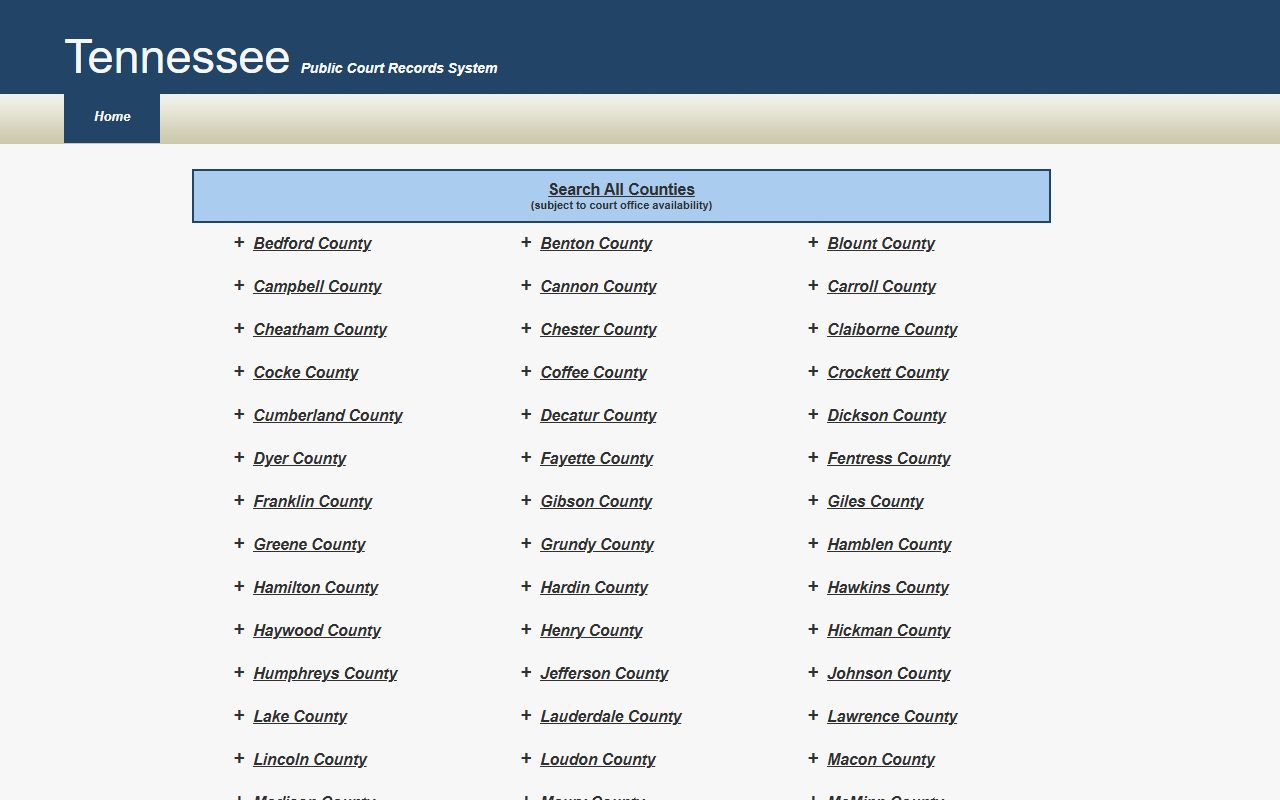
Use it when a Tennessee White Pages search has a name and county but still needs the correct court type before you contact the clerk.
Tennessee White Pages Archives and Limits
Not every Tennessee White Pages search is current. Older names and older records often move out of the county front page and into archive systems. The Tennessee State Library and Archives at sos.tn.gov/tsla is the strongest statewide backup for archived county records, local government material, newspapers, and microfilm. When a county site stops short or an office says the material is historical, TSLA is usually the next official step.
State-level agency pages also help define public-record limits. The Tennessee Department of Health vital records page at tn.gov/health/health-program-areas/vital-records.html helps when a Tennessee White Pages search needs the official certificate path after local records narrow the person and place. The Department of Safety page at tn.gov/safety/driver-services.html helps explain why some driver-record information is more limited than property or court information. A strong Tennessee White Pages search uses those pages as rule guides, not as catch-all directories.
The Tennessee vital records page at tn.gov/health/health-program-areas/vital-records.html is a useful statewide certificate path inside Tennessee White Pages research.
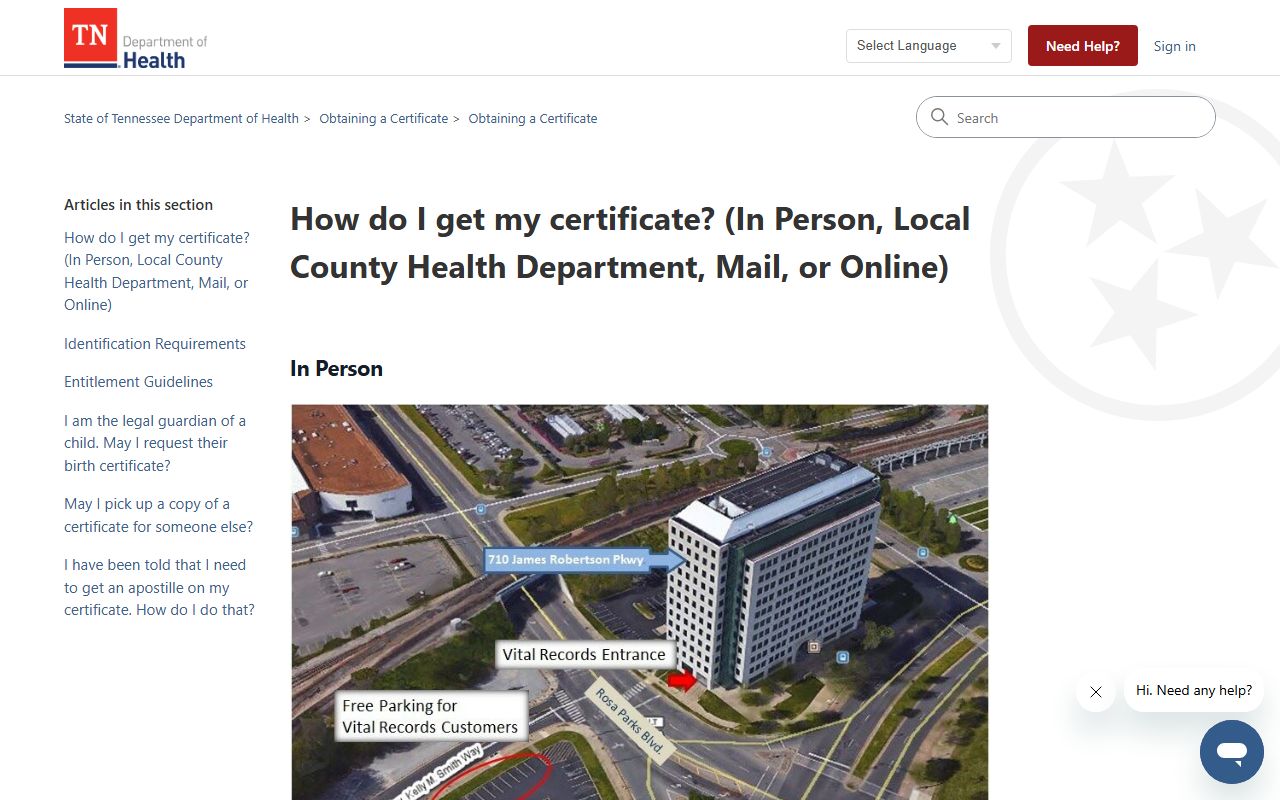
Use it after a Tennessee White Pages search has already narrowed the person, location, and record type through city or county sources.
Using Tennessee White Pages Well
The strongest Tennessee White Pages searches follow a simple order. Start with the city or county office most likely to own the file. Use statewide tools to narrow the court type, archive path, or public-record rule when the local office is not enough. Shift to property, voter, business, or license systems only when the facts point there. Keep names, dates, counties, and addresses together so the request stays specific. That method produces better results than treating a Tennessee White Pages search like one large name sweep.
Tennessee White Pages pages are most useful when the office stays matched to the record. A police report is not the same as a municipal court file. A deed is not the same as a property assessment. A county clerk record is not the same as a circuit court file. Tennessee records become easier to search once those differences are clear. That is the method used across the county and city guides already built in this project.
- Start local, then move to county, then state.
- Match the office to the record type before making a request.
- Use statewide portals as map tools, not as replacements for local records.
- Keep the search tied to real public files, not generic directory copy.
Tennessee White Pages Top Counties
These five county guides cover the highest-population counties in this Tennessee White Pages build, with local court, sheriff, clerk, register of deeds, and property paths for the largest county record systems in the state.
Tennessee White Pages Top Cities
These five city guides cover the highest-population cities in this Tennessee White Pages build and link straight into the largest city-level record paths before those searches move into county systems.